Building a client portal from scratch is a significant drain on time and resources. A modern client portal template, however, offers a powerful shortcut. It provides the structure, security, and essential features needed to create a professional, branded experience for your clients in a fraction of the time. This shift from custom builds to template-driven solutions allows agencies, freelancers, and businesses to focus on delivering value rather than wrestling with code or complex development cycles.
This move towards centralized client interaction spaces is more than a trend; it's a fundamental change in how service is delivered. Before diving into specific templates, it's crucial to understand the broader shift towards these digital solutions. You can learn more about Why Client Portals Are the Future of Service Businesses to see the strategic advantage they provide.
This guide gets straight to the point. We will analyze 12 of the best client portal platforms and template solutions available today. We'll examine each option's ideal use case, implementation steps, and key limitations, complete with screenshots and direct links. Our goal is to help you choose the right platform for your needs, whether you're building on top of Notion with a tool like Sotion, using a dedicated no-code builder like Softr, or opting for an all-in-one system such as SuiteDash. By the end of this list, you will have a clear path to selecting and launching a client portal that strengthens relationships and improves your workflow.
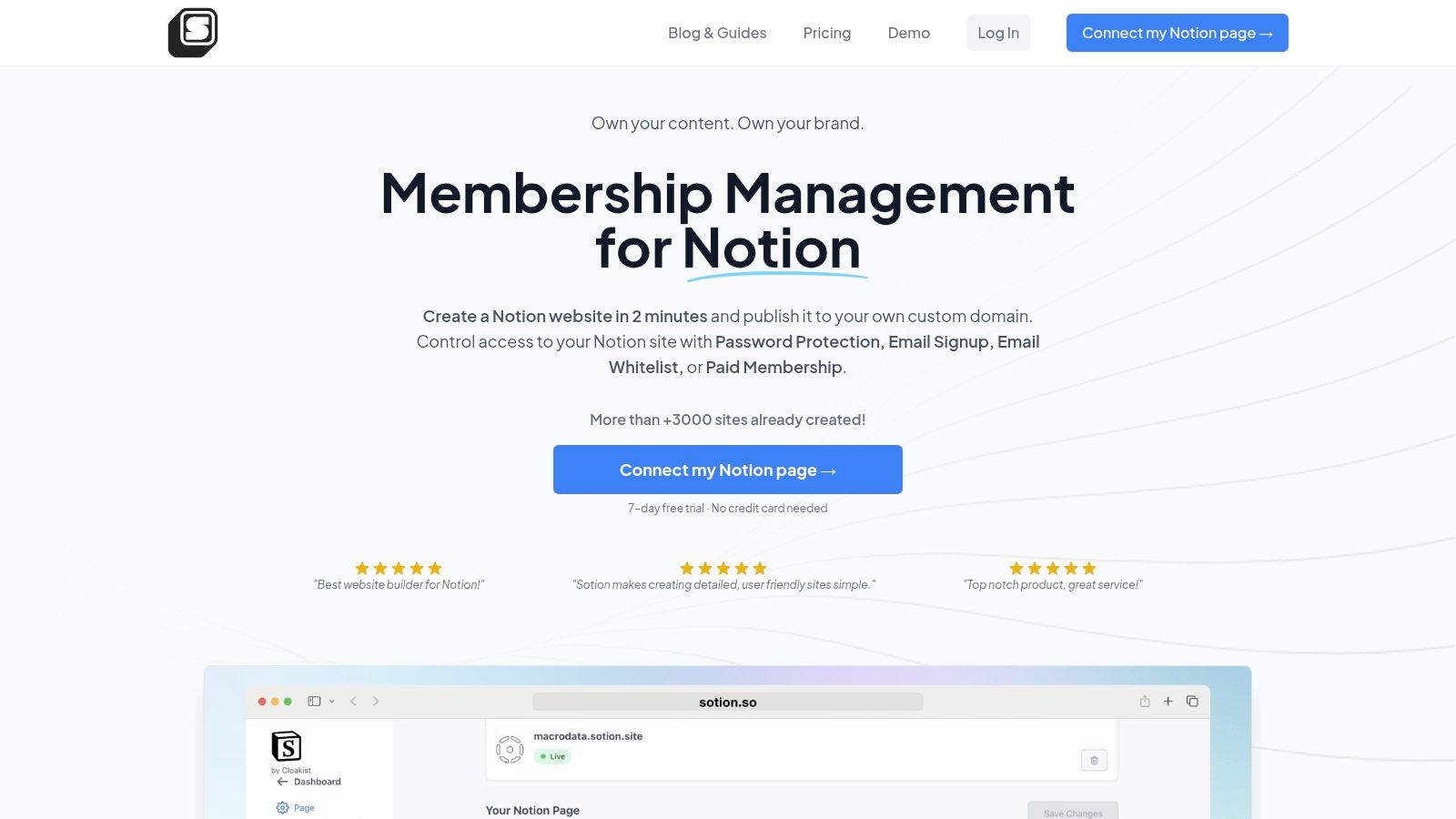
Sotion distinguishes itself by transforming any Notion page into a fully operational, member-ready website, a process that takes mere minutes without requiring a single line of code. This platform is a powerful choice for agencies, freelancers, and businesses who already use Notion for internal project management and want to extend that workspace into a professional, client-facing portal. Its core strength lies in its ability to publish Notion content directly to a custom domain with a simple two-DNS-record setup, creating a seamless brand experience.
Unlike generic website builders, Sotion is purpose-built to work with Notion. This provides an excellent foundation for a client portal template because it keeps all your project data, updates, and deliverables in one place. You can build in Notion, then use Sotion to add the essential client-facing security and access layers on top. For a deeper dive into structuring your workspace, Sotion provides its own guide on how to build a client portal with Notion, offering practical setup steps.
Sotion's feature set is designed for secure content delivery and monetization, making it ideal for a variety of client portal needs.
Getting started involves a 7-day free trial that does not require a credit card. This trial period is sufficient to connect a Notion page, set up a custom domain, and test the membership features. A potential drawback is that public pricing tiers are not detailed on the website, so you may need to start a trial or contact their team to understand long-term costs. The platform’s reliance on Notion means its functionality is bound by Notion’s content structure; highly complex, server-dependent features may require other tools.
Softr stands out by transforming your existing data sources into full-featured, secure client portals without writing any code. It’s a powerful no-code platform that connects directly to data in Airtable, Google Sheets, Notion, and more, allowing you to build and launch a branded portal in minutes. This approach is ideal for businesses that already manage client data in spreadsheets or databases and need a user-friendly front-end.
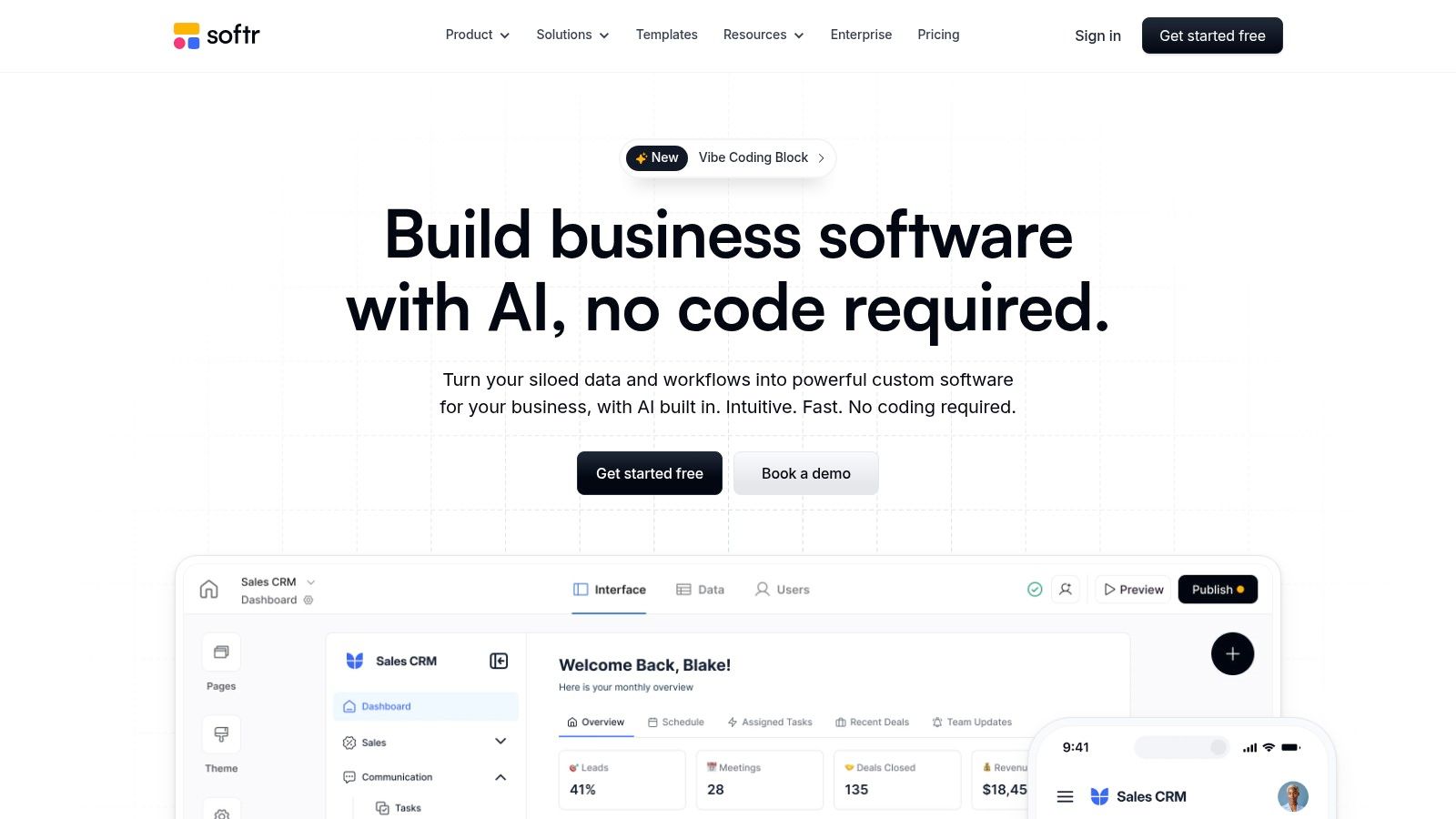
The platform’s gallery of pre-built templates provides a significant head start. You can pick a client portal template, connect your data source, and have a working application ready for customization almost instantly. Softr excels at creating granular access rules, letting you define user groups and control exactly what each client sees, which is fundamental for a secure client portal. If you're new to the concept, understanding what a client portal is and its core functions will help you appreciate Softr's permissioning capabilities.