You'd be surprised how straightforward it is to build a full-blown membership website these days, especially with a no-code setup. The secret is pairing Notion for all your content management with a dedicated tool like Sotion to handle the public-facing website and monetization. This combo lets you launch a professional, member-ready platform without touching a single line of code.
So many creators and entrepreneurs hit a wall with the technical side of traditional website builders. The Notion-and-Sotion approach completely sidesteps those headaches, giving you a direct path to building recurring revenue and a loyal community. Forget about wrestling with clunky plugins or getting lost in complicated dashboards.
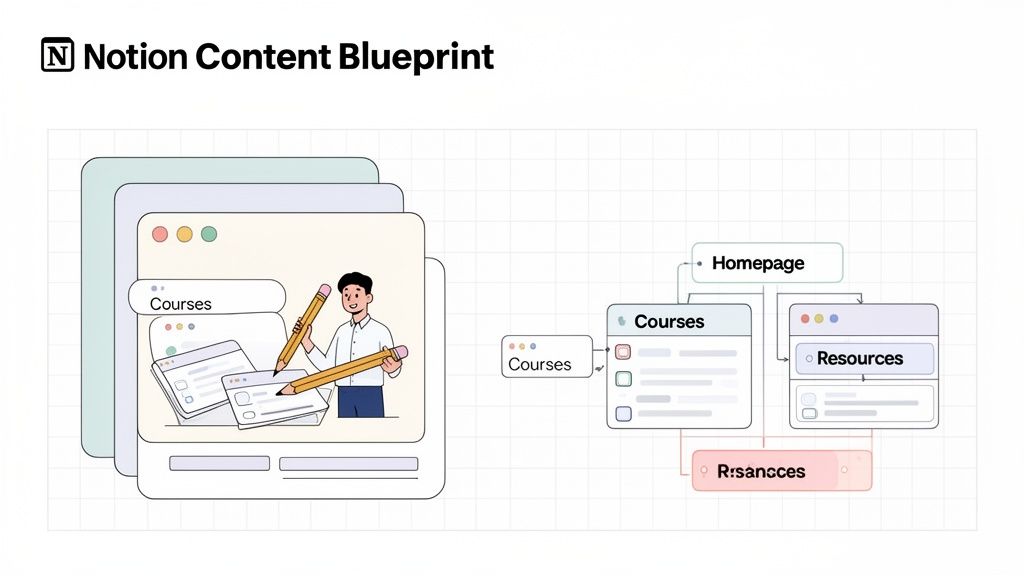
At its heart, Notion's flexibility makes it a fantastic backend for a membership site. It's essentially a powerful knowledge management system where you can organize and serve up all your exclusive content. You can map out entire courses, build libraries of resources, and draft articles—all from one clean, intuitive workspace.
With this setup, your content is yours. You aren't locked into some restrictive platform; your entire content library lives right in your own Notion account, neatly organized and always accessible. This gives you some serious advantages:
This model is exploding in popularity as the subscription economy takes off. The global market is on track to hit a massive $722 billion by 2025, fueled by creators and small businesses launching their own recurring revenue streams. It's a trend that really shines a light on how no-code tools make it possible to build a website with members.
The real magic happens when you pair Notion’s organizational power with Sotion’s ability to handle the public-facing site, member access, and payment integrations. It’s a dedicated system built for this exact purpose.
When you look at the options, it becomes clear why this combination works so well. It takes the best of both worlds—content flexibility and powerful site management—and rolls them into one streamlined workflow.
| Feature | Traditional Website Builders | Notion + Sotion |
|---|---|---|
| Content Management | Often clunky, proprietary CMS | Simple, intuitive editing directly in Notion |
| Learning Curve | High; requires learning a new platform | Minimal; if you know Notion, you're ready |
| Flexibility | Limited by themes and plugins | Nearly infinite with Notion's databases and blocks |
| Cost | Can be expensive with hosting and plugins | Very affordable, with predictable pricing |
| Speed to Launch | Weeks or months | Can launch in a single afternoon |
| Ownership | Content is locked into the platform | You own and control your content in Notion |
Ultimately, this duo lets you focus on what you do best—creating amazing content—while the technology handles all the heavy lifting. This isn't just about launching a site; it's about building a sustainable business on your own terms.
For a deeper dive, check out our guide on how to use Notion as a website for even more ideas.
Before you even think about building your site, you need a plan. A solid content plan is the foundation of any successful membership site, and your Notion workspace is the perfect place to lay that groundwork. Think of it as your dynamic blueprint for everything—your public-facing pages and your exclusive members-only areas.